Built for the things that matter most.
Two halves of one product: a vault for the things you can't lose, and personal-safety capture for the moments where what happens has to be recorded. Toggle between them to see what TRS does for each.
A vault for what you save, and a system for delivering it at the right moment
“If something happens to me…”
The Safe your spouse or partner would actually need. Account passwords, instructions, the playlist for the funeral. Released only if you go quiet for a long stretch, or if a trusted Releasee fires it on your behalf with verification.
The conversation you'd have if you had time. The one you can have today, sealed until it matters.
Letters to your kids — for years from now
Write a letter for the morning of their 18th birthday. A graduation message. A wedding-day video. Drop it into a Safe today, set the date, and we'll deliver it on the day exactly as you wrote it. They never know it existed until they get it.
Your voice on a day you couldn't be there. Recorded once, delivered exactly when needed.
What disaster can't take from you
Floods, fires, hurricanes, home break-ins — the physical version of your life can vanish in minutes. Driver's license, birth certificate, insurance policies, instructions for what to do next, all encrypted, off-site, and ready to access from any device the moment you can borrow one.
What you'd want in your hand the morning after the worst night.
Encrypted personal vault
Some Safes never have a recipient. They're just yours — encrypted journal entries, sensitive notes, contingency drafts you never want anyone else to see. Sealed forever unless you decide otherwise. Even our servers can't open them.
A place that is yours alone.
A note on bank statements and the heaviest financial paperwork. TRS is built to store and deliver them. However, we don't recommend using it for that purpose right now. We need to complete our security audit first — we want to earn your trust. We'll let you know when our audit is complete.
When something happens and you need it captured, kept, and routed right
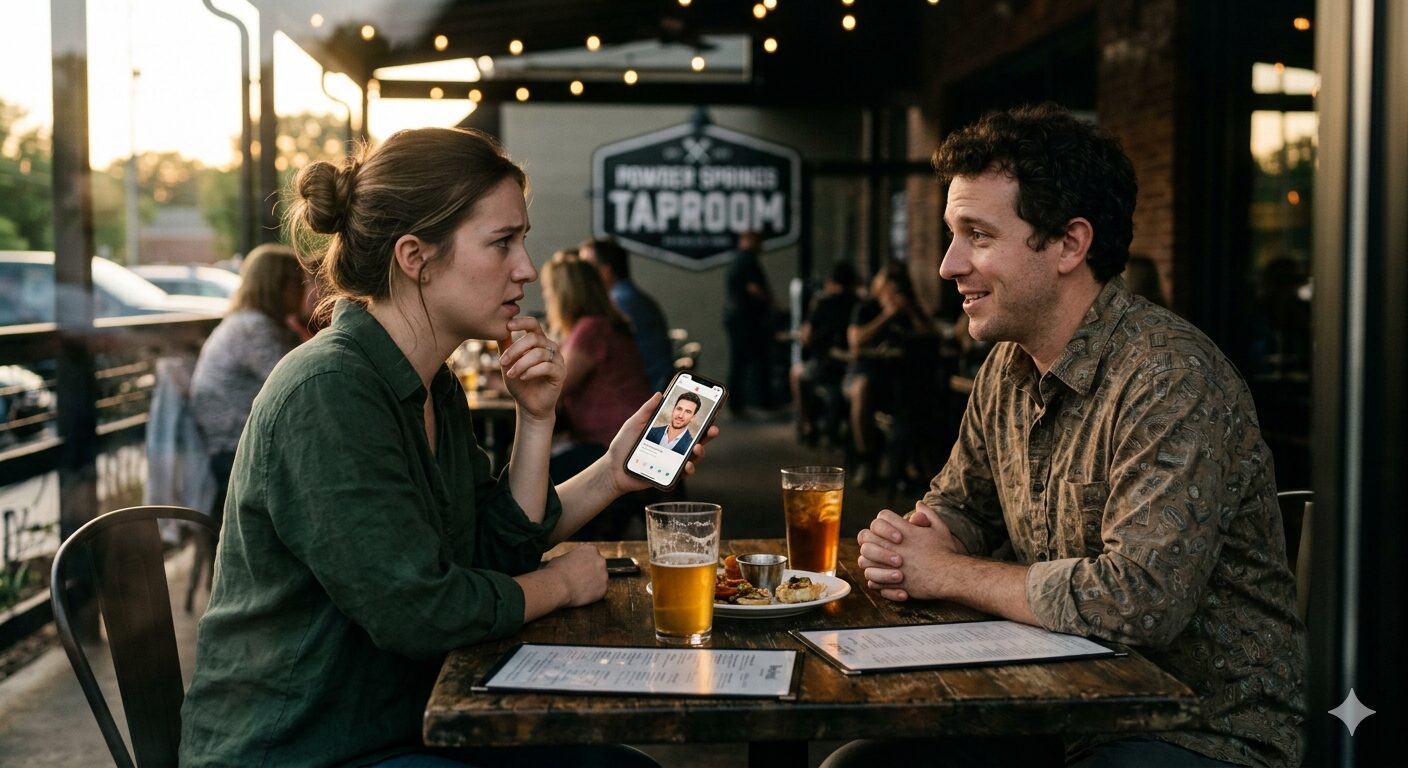
Before the first date with someone you don't really know yet
Open the app before you leave. Take a photo of the person's dating profile, take one of the building when you arrive, and add them to the same Safe. Choose a check-in window — 2 hours, 8 hours, or 24 hours, whatever matches the situation. Pick the person who gets everything if you don't check in: mom, dad, a sibling, your best friend. The check-in is one tap.
If the person who shows up doesn't look like the person in the profile, tap to record immediately. Catfishing is rarely innocent — someone willing to lie about their face is usually hiding more than that. Capture who actually showed up — it will be delivered to the person you chose — and decide what to do from there.
If anything else escalates during the date, tap the back of your phone to start an encrypted recording with location. Your designated person gets the recording immediately along with the photo and the last known address.
If the date is fine, you check in once when you're home. The photo, the recording (if you made one), and the location stay sealed in your account. You decide what happens next.
My mom doesn't have to ask if I made it home. She just knows.
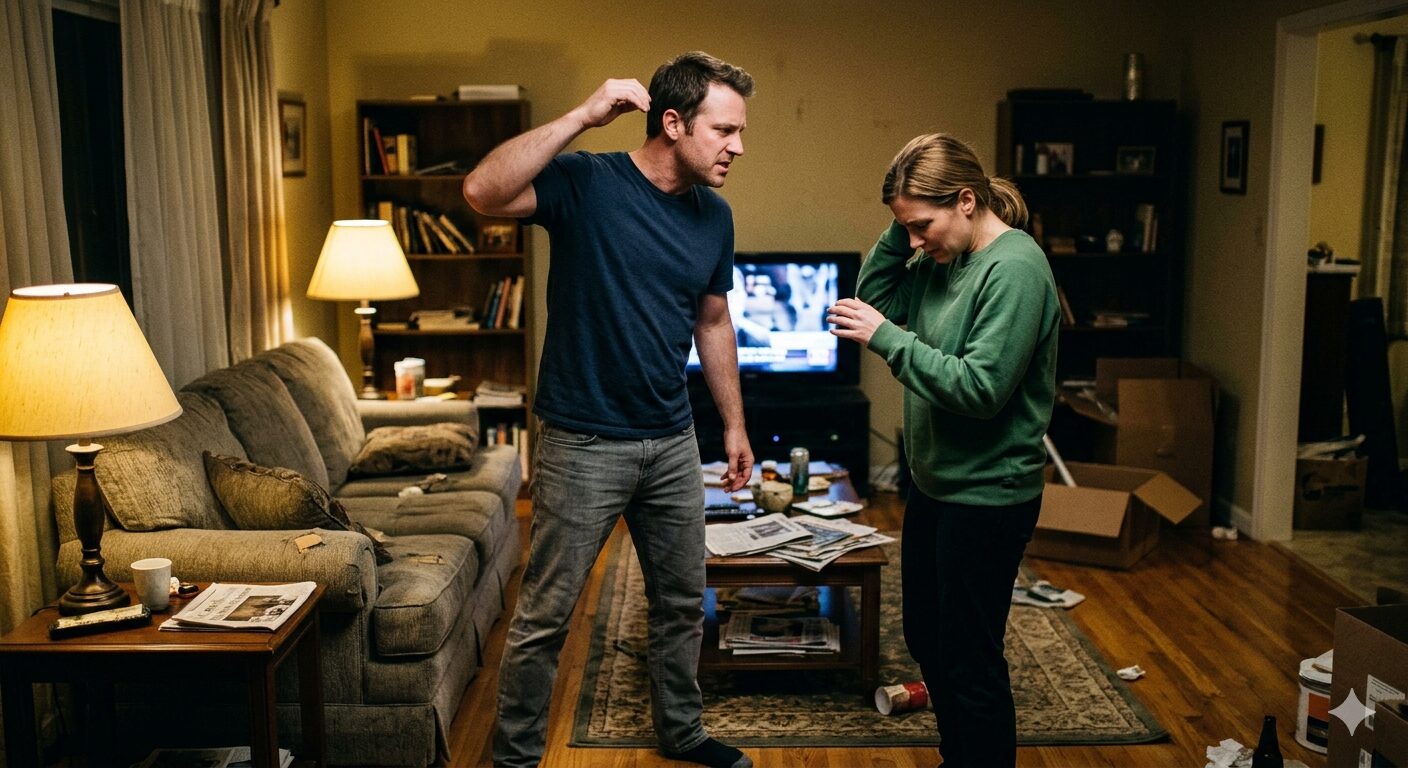
Documenting a coercive situation without leaving evidence on the device
The app installs without a visible icon. Activation is a composite gesture you choose. Recording streams off the device as it happens, so an abuser checking the phone finds nothing. Your designated advocate and counsel are the only people who can release the captured content, and only on the rule you set: on demand, by a Releasee, on a timer, or only if multiple people agree. Throughout the flow, the assumption is that the person who might harm you can pick up your phone at any time. If things escalate, you can speak a Panic Phrase you set in advance — something like “Escalate,” or any phrase you choose — and what’s been captured so far is immediately sent to your designated family member or advocate. The recording continues until you stop it — by saying your stop phrase or entering your phone’s passcode — or for the configured window you set during onboarding. Whatever’s recorded during that window is delivered to the same people. Nothing recorded in an Escalation session can be recalled.
You configure all of this during onboarding — TRS supports Back Tap on iOS (your choice of double or triple tap) and a configurable volume-button hold on Android. The Panic Phrase and stop phrase are yours to choose, and you can toggle haptic confirmation on or off — useful if the phone is usually not on your person, where a vibration may itself draw attention.
“I needed something that didn't make my phone a liability. TRS doesn't put a target on it.”
If you think you might be in an abusive or coercively controlling relationship, are witnessing one, or need help right now — please contact the National Domestic Violence Hotline at 1-800-799-7233 (24/7, with text and chat options), or visit NNEDV for technology-safety resources and state coalition referrals.
Local resources: Detecting your area…
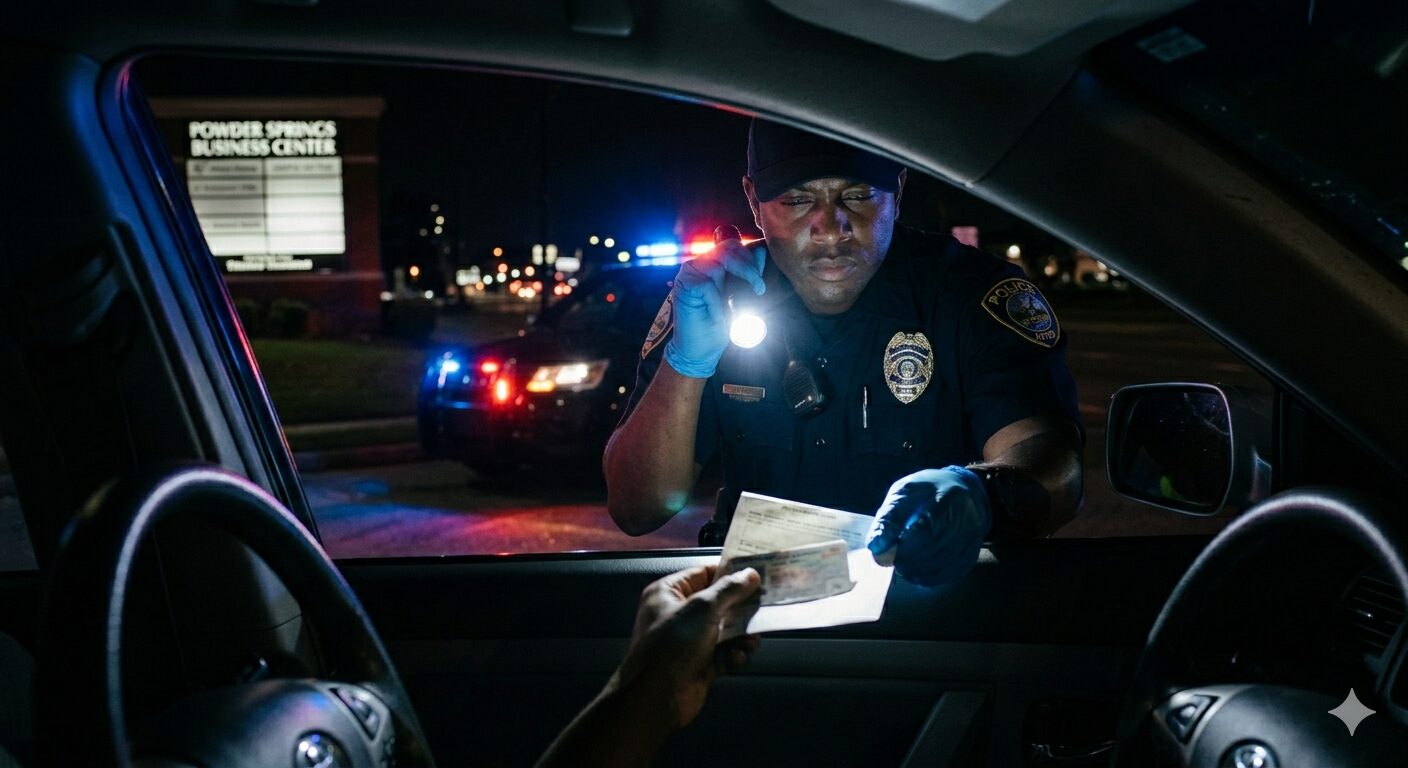
Confrontations, public-safety incidents, traffic stops
You’re going to pull out your phone the second something happens — at a traffic stop, or in any public-safety moment. TRS gives you a one-gesture capture path that streams encrypted off the device as you record, so what you capture survives whatever happens to the phone next. If the encounter goes sideways, your Panic Phrase delivers what’s been captured to your designated Recipients and keeps the recording running through the window you configured. If the phone is confiscated, broken, or “accidentally” dropped, the evidence is already in trusted hands — and you can recover it on a new device through your Recoverees or with your encryption key generated when you created your account.
Recording for social media is content. Recording with TRS is evidence.
Your state’s civil-rights team
TRS keeps the recording safe from seizure or reprisal. Your state ACLU affiliate turns it into a case. Local resources: Detecting your area…
Nothing about your location is stored on our servers. Edge detection reads what is already present in the HTTP request and embeds the state code at render time — no third-party API, no cookies, no logging. TRS is evidence-grade infrastructure; your affiliate provides the legal help.
Encounters where what gets recorded matters
The workplace confrontation. The school administrative meeting where you are alone in a room with someone in authority. The tenant-landlord walkthrough. The medical-appointment conversation a patient wants documented. Any encounter where what you remember and what the other side remembers might differ later, and where the audio or video of the moment is the difference between being believed and not. TRS captures it, streams it off your device immediately, and routes it to the trusted contacts you chose in advance — a lawyer, a family member, a coalition of friends. If the device is taken, broken, or returned with the camera roll wiped, the recording is already safe.
A phone has been the most reliable witness of the last fifteen years. We built the layer that makes sure your phone's recording survives whatever happens to your phone.

Send it before you regret it.
You’re in the back of an Uber or Lyft and something isn’t right. Wrong turn onto a road you don’t recognize. Locked child locks you didn’t notice. The driver stops answering when you talk. Screenshot the driver’s info card — name, license plate, vehicle, the destination you actually requested. Take a five-second video of the driver. Add them to a Check-in Safe and send it to the person you already picked as your safe contact. Everything is sealed, encrypted, time-stamped, and location-signed the moment you tap send.
Then say it out loud, calmly, so the driver hears every word:
“I sent this to my safe person — please take me to the address I requested on the route I know.”
Most of the time, that’s the whole intervention. The driver knows they’ve been documented and course-corrects. If they don’t — if the ride ends somewhere it shouldn’t — the Check-in Safe is already delivered, verified, and evidence-grade. Your safe person has the video, the plate, the intended destination, your location at the moment you tapped send, and a signed timestamp that no one, including TRS, can alter after the fact.
Set your preset once during onboarding — pick your safe person, pick “take a picture” or “record a short video” as the default capture — and the floating Send button is there whenever you need it. Also works for late-night walks, unfamiliar hotels, meeting someone you only know online.
Check-in Safe sent
🔒 Evidence-grade · sealed 8:47pm · verified